
Battery App for Android and iOS Smartphones in India
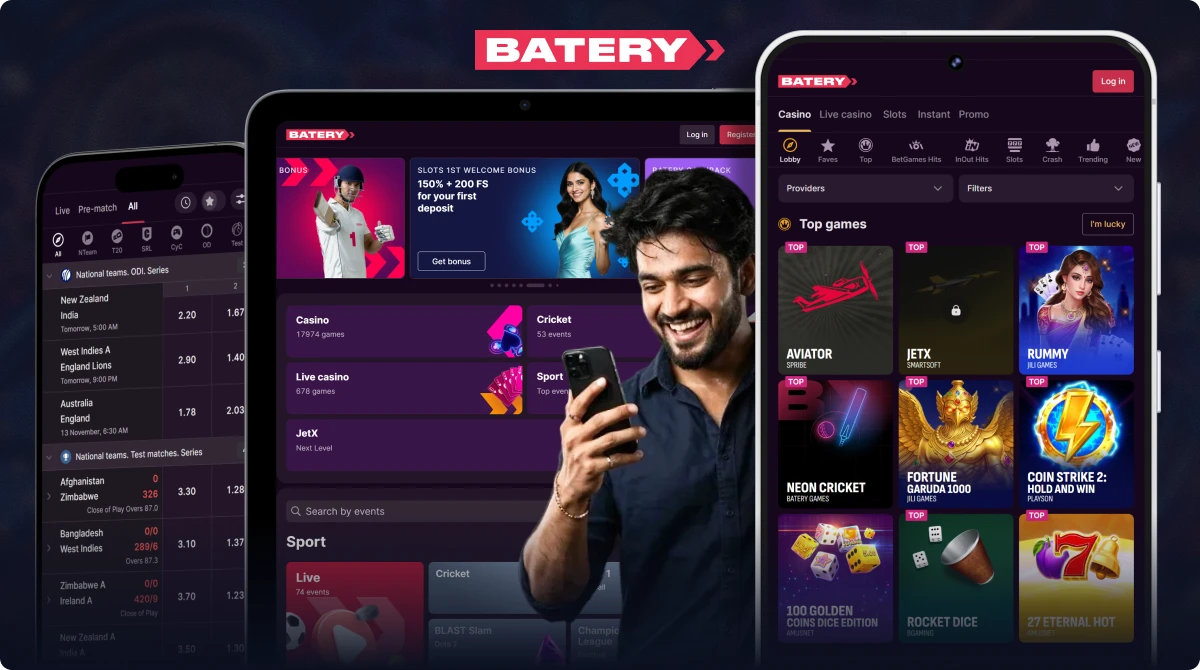
The Battery app allows users in India to place bets on sports, enjoy casino games, and join live dealer tables right from their phones. Its sportsbook has betting odds for cricket, IPL, and T20 matches, and the cashier supports payment options widely used throughout India. Android and iOS users can enjoy Batery's mobile services all through 2026.
Content
- Main Features and Specifications
- Main Advantages of the App
- Download and Install the App on Android
- Get the App on iPhone and iPad
- Getting Started with the App
- Sports Betting Markets in the App
- Mobile Batery Games
- Features of the Mobile Website
- Payment Options in the Application
- App Security for Indian Users
- Customer Support Through the App
- FAQ
Batery App Main Features and Specifications
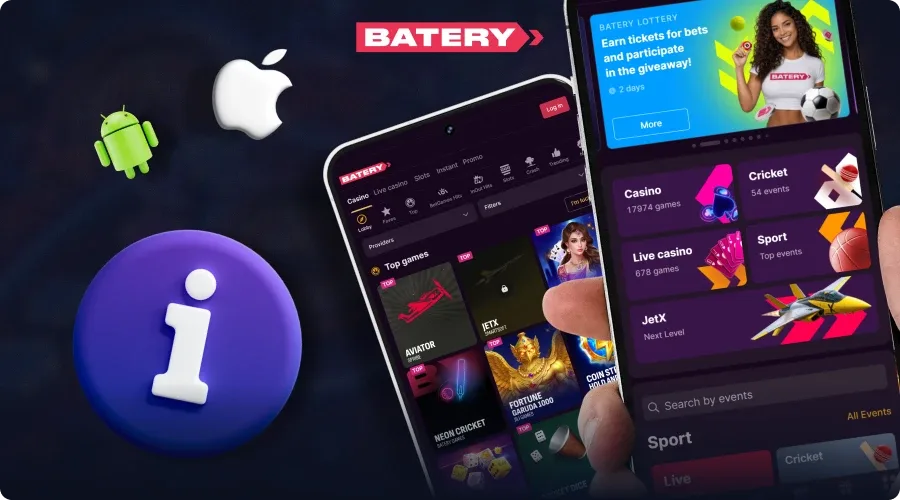
Indian users can tap into the Batery app for sports betting, casino games, and live dealer fun via a single mobile platform.
| Parameter | Details |
|---|---|
| App Size | Roughly 30 MB |
| Android Compatibility | Android 8 or later |
| iOS Version | iOS 12 or above |
| Sports Covered | Cricket, IPL, Test matches, T20 leagues |
| Welcome Bonus | 150% up to 30,000 INR |
| Live Betting | Odds updated in real-time during events |
| Customer Support | 24/7 chat support, typically responding in under 2 minutes |
| Currency | INR |
| Security | SSL encryption protects user data and transactions |
Main Advantages of the Batery Mobile App
The Batery mobile app caters to Android and iOS users in India.
Its key advantages are:
- Getting the Complete Game Library. Players can access over 13,898 titles, featuring slots, live dealer tables, and various table games. The mobile catalog aligns with the selection available on desktop.
- Fast deposits and withdrawals. You can put in money using Indian payment methods like UPI, or opt for cryptocurrencies. The cashier also offers choices for cashing out.
- Improved Mobile Functionality. The app works on Android and iOS devices, featuring loading times and interface settings tailored for mobile screens.
- Full Bonus Access. App users get a welcome bonus of 150% plus various promotional deals.
- Account Security and Simple Access. Login choices like fingerprint scanning, Face ID, and easy access to customer service make everyday account management simpler.
Download and Install the Batery App on Android
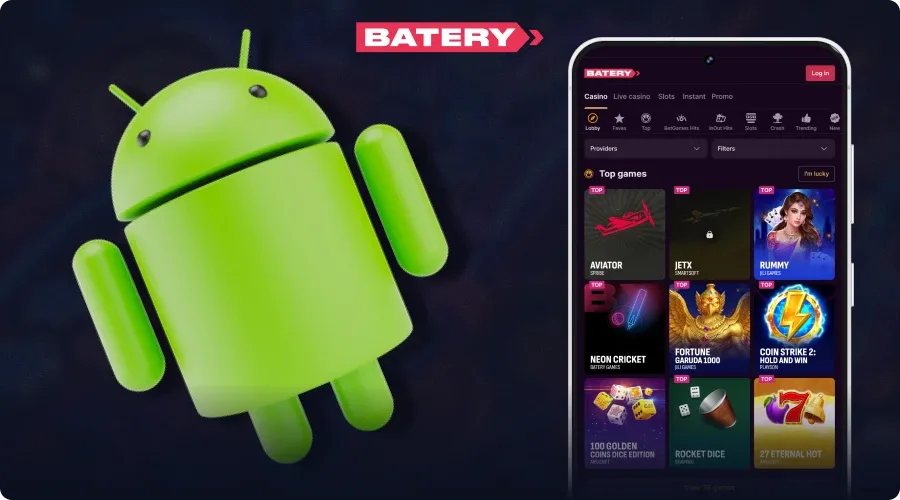
To get Batery on your Android device, just grab a phone or tablet that's connected to the internet. Follow these steps to finish installing the APK:
- Go to the official Batery website using your mobile browser.
- Find the app download section.
- Click the APK download link and allow some time for the installation file to get to your device.
- Open your phone settings and look for the option to permit installation from unknown sources. Enable this permission when needed.
- Open the file manager and find the downloaded APK file. Just tap to kick off the installation.
- Choose "Install" and hang tight while it sets up.
- Locate the Batery icon on your home screen or in the app drawer and launch the app.
Android Requirements for Batery
If you've got an Android device, check out these minimum specs before going ahead with the installation:
| Component | Requirement |
|---|---|
| Android Version | 5.0 (Lollipop, released in 2014) or newer |
| RAM | 2 GB |
| Storage | At least 100 MB of free space |
| Internet | Reliable 4G/Wi-Fi |
Get the Batery App on iPhone and iPad
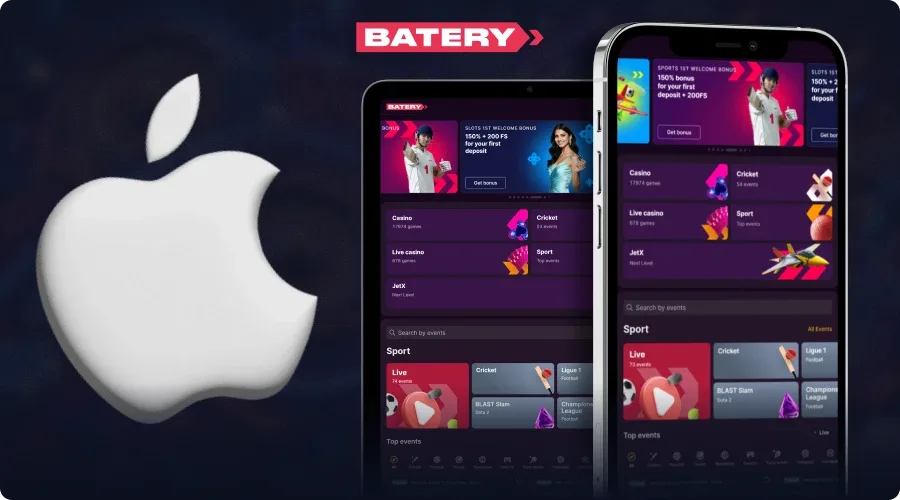
iPhone and iPad users can play Batery casino games using Safari by adding the website shortcut right to their home screen. The process doesn't need you to download anything from the App Store.
- Open Safari on your iPhone or iPad.
- Type in the official Batery website URL in the browser.
- Hit the Share icon, which looks like a square with an arrow pointing up.
- Choose "Add to Home Screen" from the options that pop up.
- Review the name for the shortcut and change it if you want. Tap "Add" to confirm.
- Head back to your home screen and find the Battery icon. Tap it to open the PWA.
iOS Device Requirements for Batery
The Batery PWA works on various Apple mobile devices without needing hardware. Its design supports the following specifications:
| Requirement | Details |
|---|---|
| iOS Version | 12.1 or later |
| Safari | Latest update recommended |
| Internet | A stable connection required |
| Device | iPhone/iPad (2015+) |
Getting Started with the Batery App
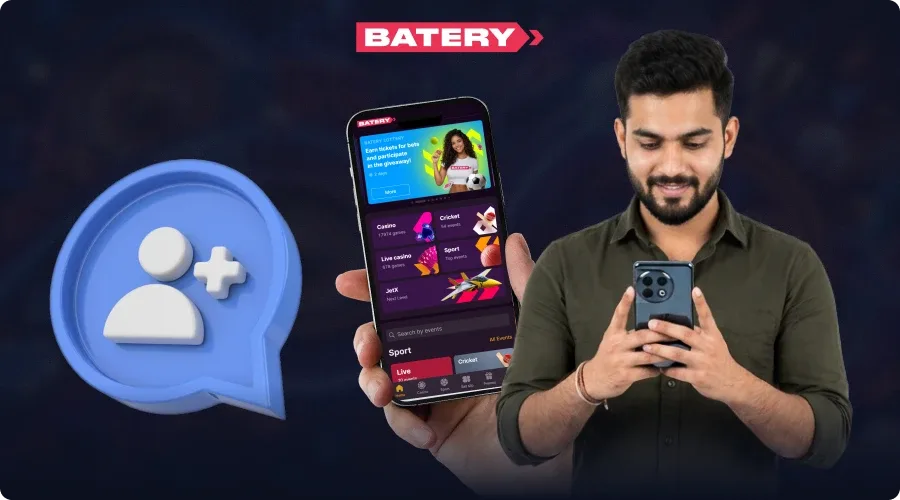
Once you have installed the Batery Bet app or added its shortcut to your home screen, you can dive into the betting and casino options by following these steps:
- Log in to your existing account or create a new one.
- Fund your account using one of the payment methods available in the cashier.
- Open the main menu and pick either the online casino or sportsbook.
- Explore the game catalogue or select a sporting event to place your bet.
Sports Betting Markets in the Batery App
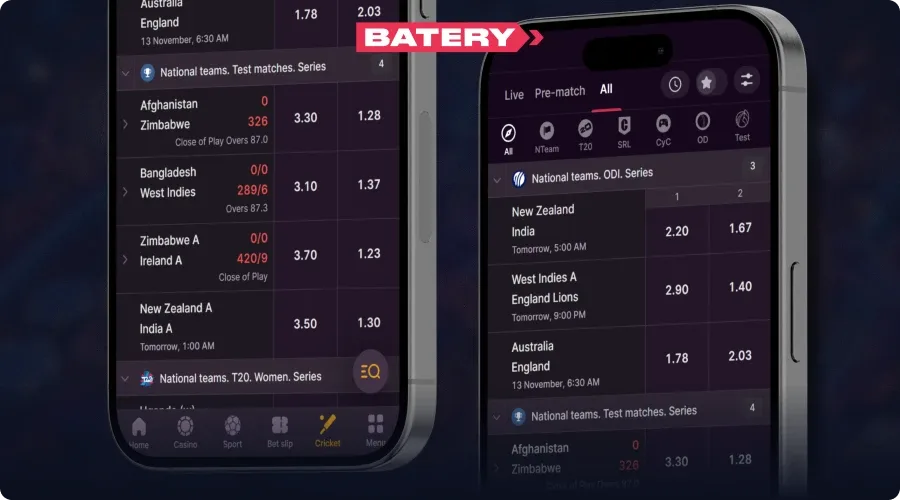
The Batery mobile sportsbook has over 40 sports available, highlighting cricket, football, and basketball as categories for betting. The odds shared show 94.50% for cricket, which includes a 5.5% margin for the bookmaker, 95.85% for football, and 93.50% for basketball. Live betting includes more than 30 tennis markets, cricket coverage, and in-play odds hovering around 94.50%.
Mobile bettors can also expect bet acceptance in just 5 seconds, complete cash-out choices, live streaming, and a betting interface that's easy to use on their devices. The main sports categories are:
- Cricket;
- Football;
- Tennis;
- Basketball;
- Esports;
- Table Tennis.
Top Mobile Batery Games Popular for Indian Users
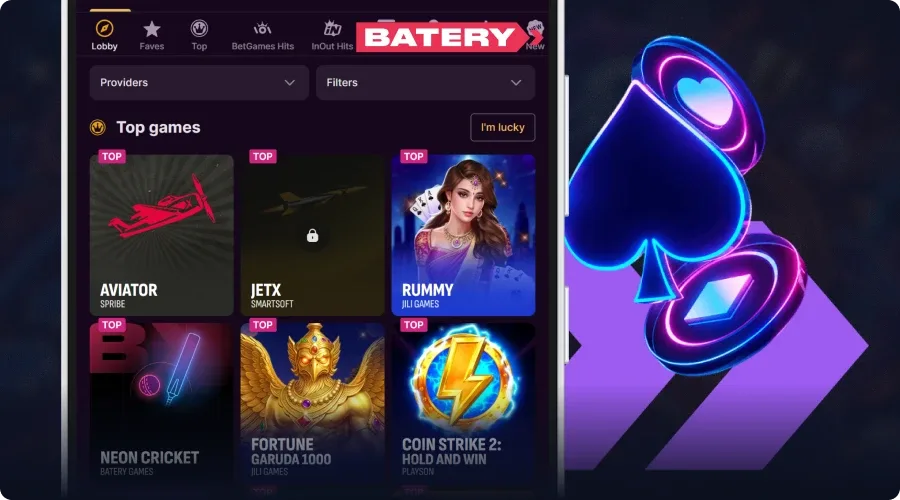
The battery mobile collection features 13,898 games split into five categories. Slot options feature Aviator, High Flyer, and Luxor Gold, each showcasing themes and gameplay styles. Live dealer games like Teen Patti, Andar Bahar, and Baccarat put casino tables right on your mobile device. Indian players can also enjoy games made for them, such as Namaste Roulette and Cricket Auto Roulette. Instant games like Turbo Mines and Rings Of Olympus offer rounds that rely on luck, while titles such as Poker and Blackjack cater to those who enjoy making choices.
The most popular games featured in the Batery app include:
- Aviator;
- High Flyer;
- JetX;
- Burning Wins: Classic 5 Lines;
- Mines Batery Dare2Win;
- Stock Market.
Features and Navigation of the Batery Mobile Website
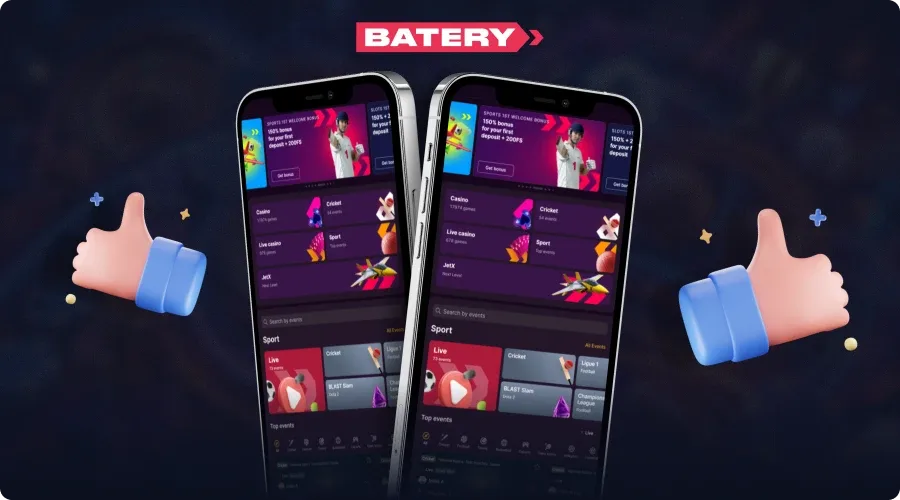
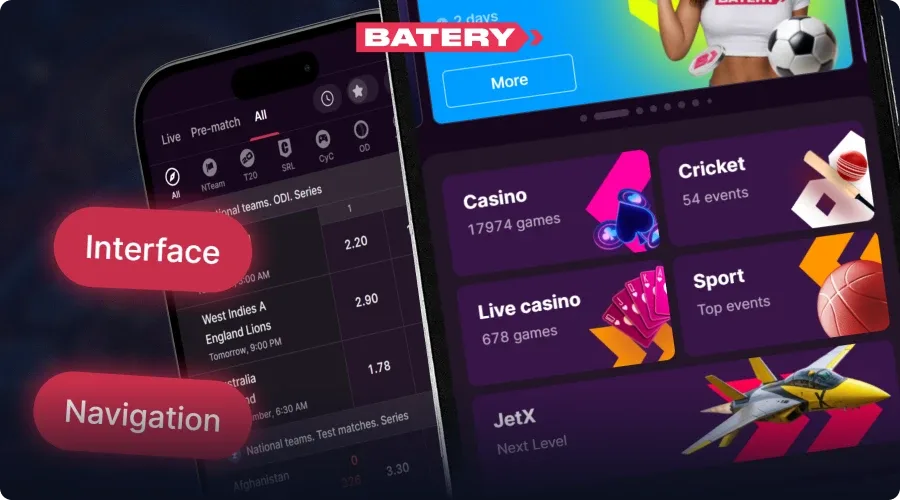
The Batery mobile site adjusts its layout, images, and navigation options based on different screen sizes thanks to responsive design. CSS media queries and flexible grids make sure the interface adapts to all sorts of devices, from smartphones to tablets. Main navigation items, game lists, and interactive buttons remain easy to use on various screen sizes.
Accessing through mobile browsers eliminates the need to zoom in or scroll sideways. Controls that are easy to tap, flexible page features, and faster loading times all make it easier to browse on various devices and with different internet speeds. Users can use the primary casino and sportsbook features without needing to download an extra app.
Battery Mobile Website Compared to the App
Customers have the option to pick between the mobile website and the specific app. Each access method has its traits:
| Feature | Mobile Website | Native App |
|---|---|---|
| Installation | No need to install | Needs download & installation |
| Access Speed | Instant access through the browser | Time required for download/install |
| Storage Space | Minimal (browser cache) | Takes up device storage |
| Updates | Auto (server-side) | Needs manual updates from the app store |
| Cross-Platform | Works on any device with a browser | Specific to OS (Android/iOS) |
| Push Notifications | Limited/None | Yes |
| Performance | Good (depends on browser/network) | Excellent (optimized for the device) |
| Offline Mode | No | No (internet required) |
| Home Screen Icon | Possible (only as a PWA – Add to Home Screen) | Yes (standard app icon) |
| Full Feature Set | Yes (all core functions, games, payments) | Yes (usually identical) |
| Login Method | Requires username/password each time | Often supports biometrics/faster login |
Payment Options in the Batery Mobile Application
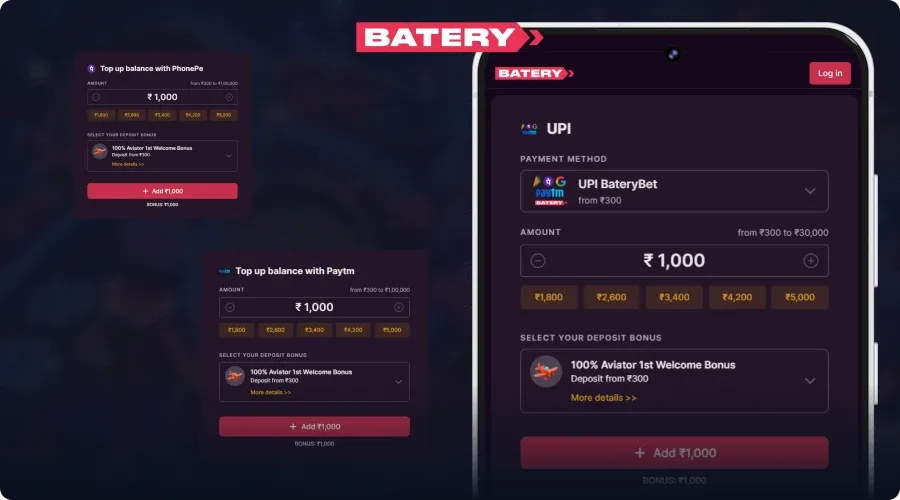
The Batery mobile cashier offers Indian customers almost 20 methods to fund their accounts. Local payment options consist of UPI (using a specific BateryBet UPI ID), PhonePe P2P, and iCash One. The least amount you can deposit starts at 300 INR using UPI, and the highest transaction limits can go up to 500,000 INR.
You can also use these other deposit methods:
- USDT (TRC20, ERC20);
- Bitcoin;
- ETH;
- Litecoin;
- TRX;
- Binance Pay.
How to Add Money Using the Batery App
To put money into your account via the official mobile app, there are a few simple steps to follow. Follow this process to make a deposit:
- Launch the Batery Bet app and log into your account.
- Pick the deposit option in the cashier section.
- Select your favorite payment method.
- Input the amount you'd like to add.
- Fill in the required payment details.
- Follow any additional instructions for your chosen method, like scanning a QR code or sending cryptocurrency to the provided address.
- Confirm the transaction and wait for the funds to show up in your account.
How to Cash Out from the Batery App
The mobile cashier also takes care of withdrawal requests.
Once you've logged into your Batery account, just follow these steps:
- Open the app and sign in.
- Navigate to the withdrawal section.
- Choose a payout method, ideally the same one you used for your deposit if possible.
- Input the amount you want to withdraw.
- Fill in the necessary payout details.
- Send in your request and wait for the funds to arrive in your chosen payment method.
Batery App Security for Indian Users
Batery uses various security measures to ensure that Indian users and their account information stay safe. Data transfers rely on TLS 1.2+/SSL encryption, much like the security measures found in banking apps. Sensitive information is encrypted using AES-256. The newest version of the software now employs communication methods to protect against eavesdropping and man-in-the-middle attacks.
Users can bolster their safety by adjusting the app's security settings and using their device's protection features. PIN codes, fingerprint scanning, and Face ID offer extra security when logging in.
Customer Support Through the Batery App
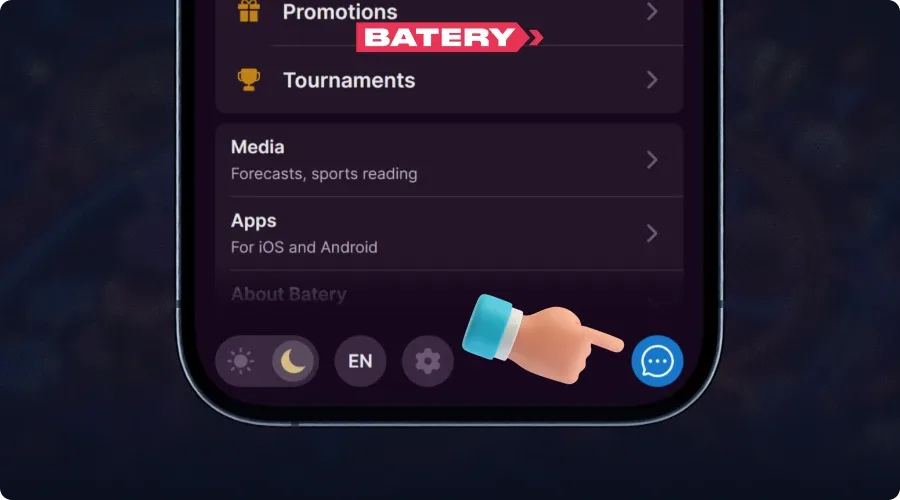
Batery's here to help 24/7, ready to assist you anytime. The support crew takes care of inquiries related to deposits, withdrawals, accessing your account, and gameplay.
Indian customers can reach out to representatives through various methods:
- In-app live chat;
- Social media (Instagram, Telegram);
- Email – [email protected];
- Support requests.
FAQ
Is the Batery App Free to Download?
Absolutely. Getting the Batery app doesn't cost anything; you can just download and install it for free. Users can get the installation files or create the iOS website shortcut without paying anything.
Can I Use the Battery App on a PC?
Battery doesn't provide a specific app for PC. Windows users can use an emulator like BlueStacks to get the Android version, allowing them to use the mobile software on their computer.
Do Battery App Users Receive Welcome Bonuses?
Yep. Customers that install the Batery APK or add the PWA shortcut on their iOS home screen get the same promotional deals as everyone else. There are some deals for app customers who qualify.